Guard is designed to be
- Agentless
- Read-only
- Focused on DigitalOcean resource evidence
Guard / planned workflow
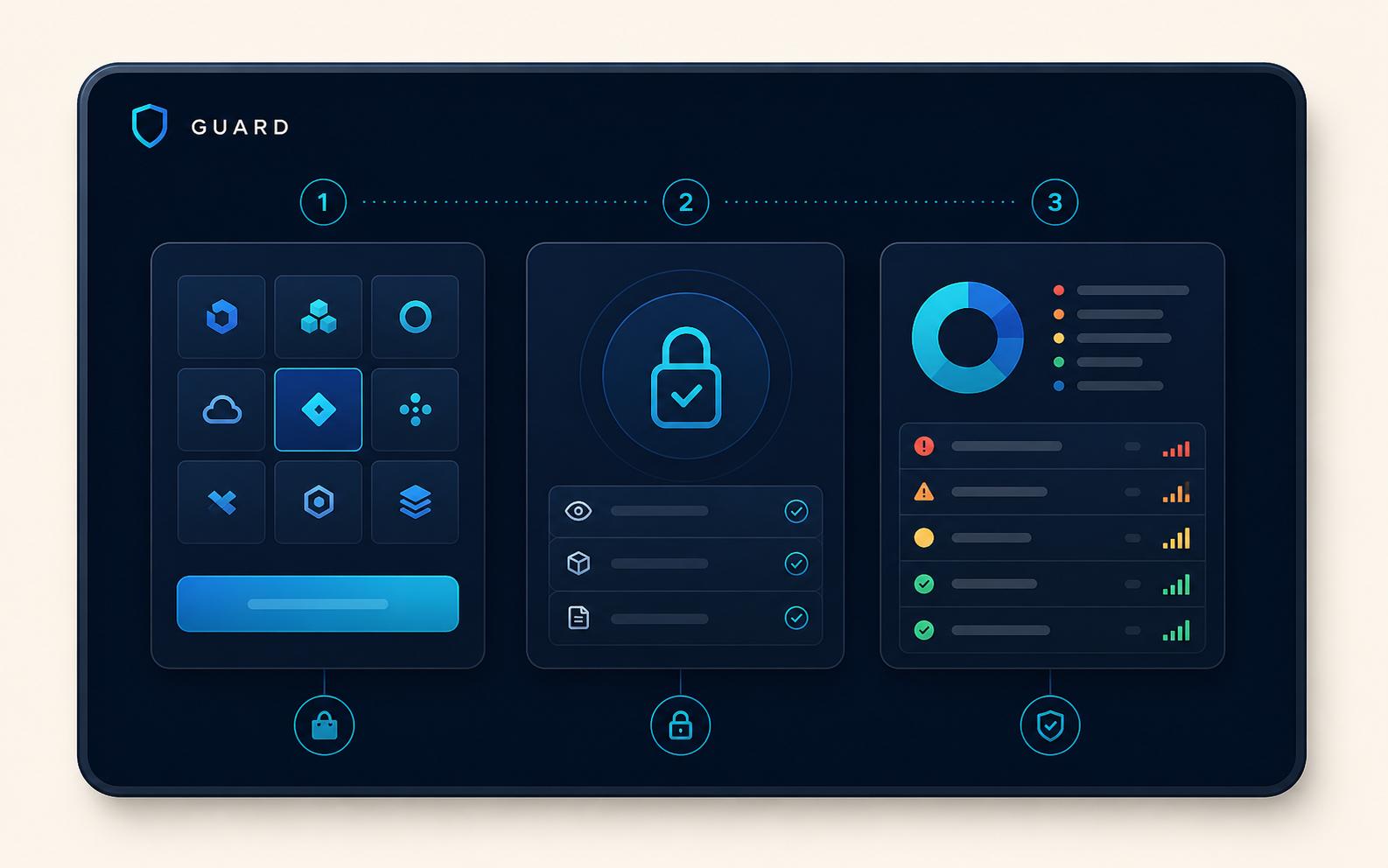
Guard is in active development. Its planned DigitalOcean workflow is designed to begin in the Marketplace, request only the access needed for an assessment, and leave infrastructure unchanged.
Designed for Marketplace onboarding
When Guard is available, installation and authorization will start through DigitalOcean rather than a separate Oktaspot sign-up. The authorization step will identify the access Guard needs before any inventory is assessed.
Security and data handlingThe assessment flow
Once approved and available, Guard will be installed from the DigitalOcean Marketplace. There is no separate waitlist or Oktaspot account signup.
Guard will use the permitted account data to inventory relevant resources and their relationships. It is designed not to make configuration changes.
Findings will pair the observed context with a recommended next step, so a team can decide what matters before acting.
Clear boundaries